AI
Generate pages and sections from your own approved components.
Overview
Describe a page or section from the Create tab and it's built from your approved components — nothing generates markup, every plan is validated server-side first.
To add motion to an AI-generated build, see Motion.
- Only draws from components you've already approved
- Every plan is validated before it reaches the page
- One-click undo after it's inserted
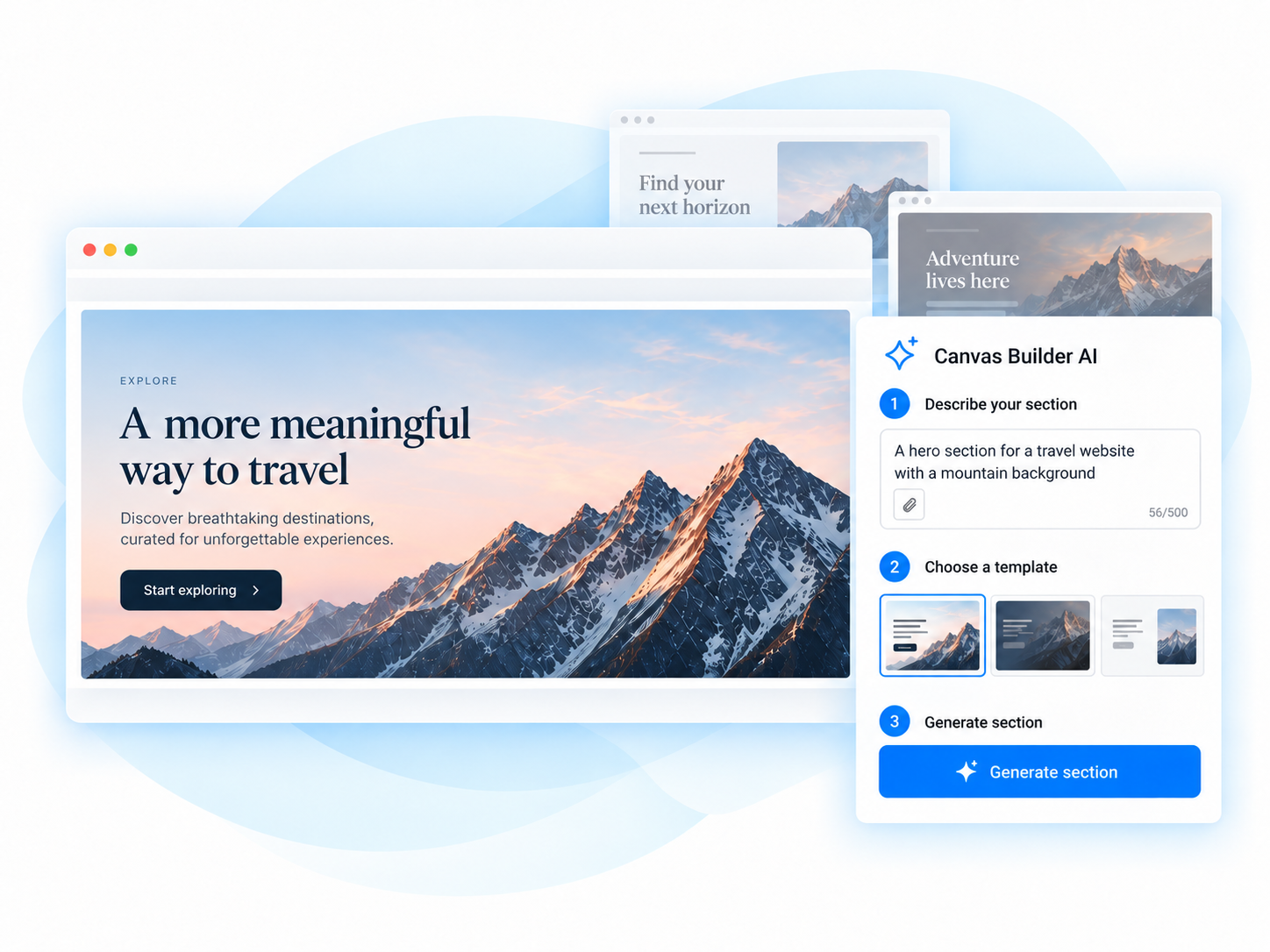
Create
Describe what you want to build.
Choose
Pick a template or variation.
Review
Preview and refine the result.
Build
Add it to your canvas with one click.
In the editor
Describe one section and the AI returns up to three takes, built from your approved components. Four screens, in order:
1 Pick a starting point
Choose a section template, or switch to Describe and type a prompt (with an optional screenshot or mockup).
2 Generating
A short checklist shows what's happening; this usually takes 20-40 seconds.
3 Review
Facts only: label, component count, style chips, plus See other options if you asked for more than one take.
4 Inserted
The section lands on the canvas as a draft, with a one-click undo.