Motion
Add animation and interaction to sections, columns, and components.
Overview
Pick an effect and a trigger from the Motion tab and it saves itself — no confirm step, played by a native engine with no third-party library required.
To generate a whole animated build instead of hand-authoring one effect, see AI.
- Scroll, click, hover, load, or repeat triggers
- Runs on the Web Animations API — no extra library
- Per-viewport, like every other style
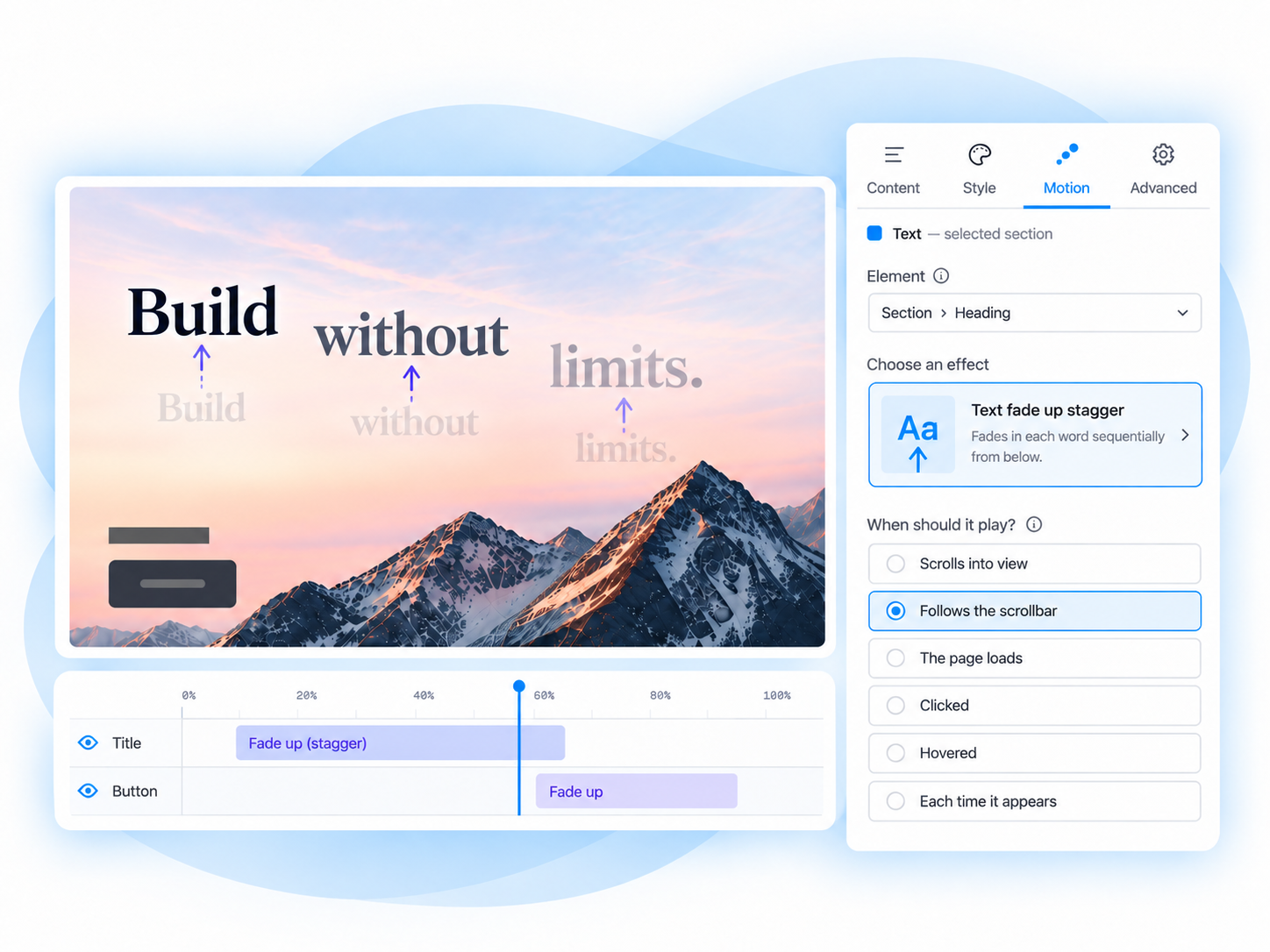
Target
What moves — the breadcrumb chip at the top of the panel.
Effect
How it moves — the effect card, or the full effect drawer.
Trigger
When it starts — the trigger card.
Playback
Fine-tune timing, delay, repeat and direction in Customize.
In the editor
Open the Motion tab on a page with nothing animated yet and you get the first-run screen: what Motion is for, and a nudge to select something on the canvas. This screen is computed, not remembered — deselect, or delete every animation on the page, and it comes back.
1 Select something on the canvas
Click a section, a column, or a component. The Motion tab opens scoped to it — Add animation stays disabled until you select something.
2 Pick an effect, then a trigger
Choose from the six tiles, or All effects for the full drawer, then choose when it should play.
3 It's live
The animation saves itself — no confirm step. The panel collapses to two summary cards, each with a Change link, plus Customize → for everything else.