Copy and paste styles
Right-click any component → Styles → Copy Styles, right-click another (any type, any layout) → Styles → Paste Styles, and the whole style bundle — background, spacing, typography, motion — replaces the target's existing one. Cmd+Shift+C (Ctrl+Shift+C on Windows and Linux) and Cmd+Shift+V (Ctrl+Shift+V on Windows and Linux) do the same on the currently selected component.
A common use: give one card a background color, then carry it to the other cards in the same row instead of setting each one by hand.
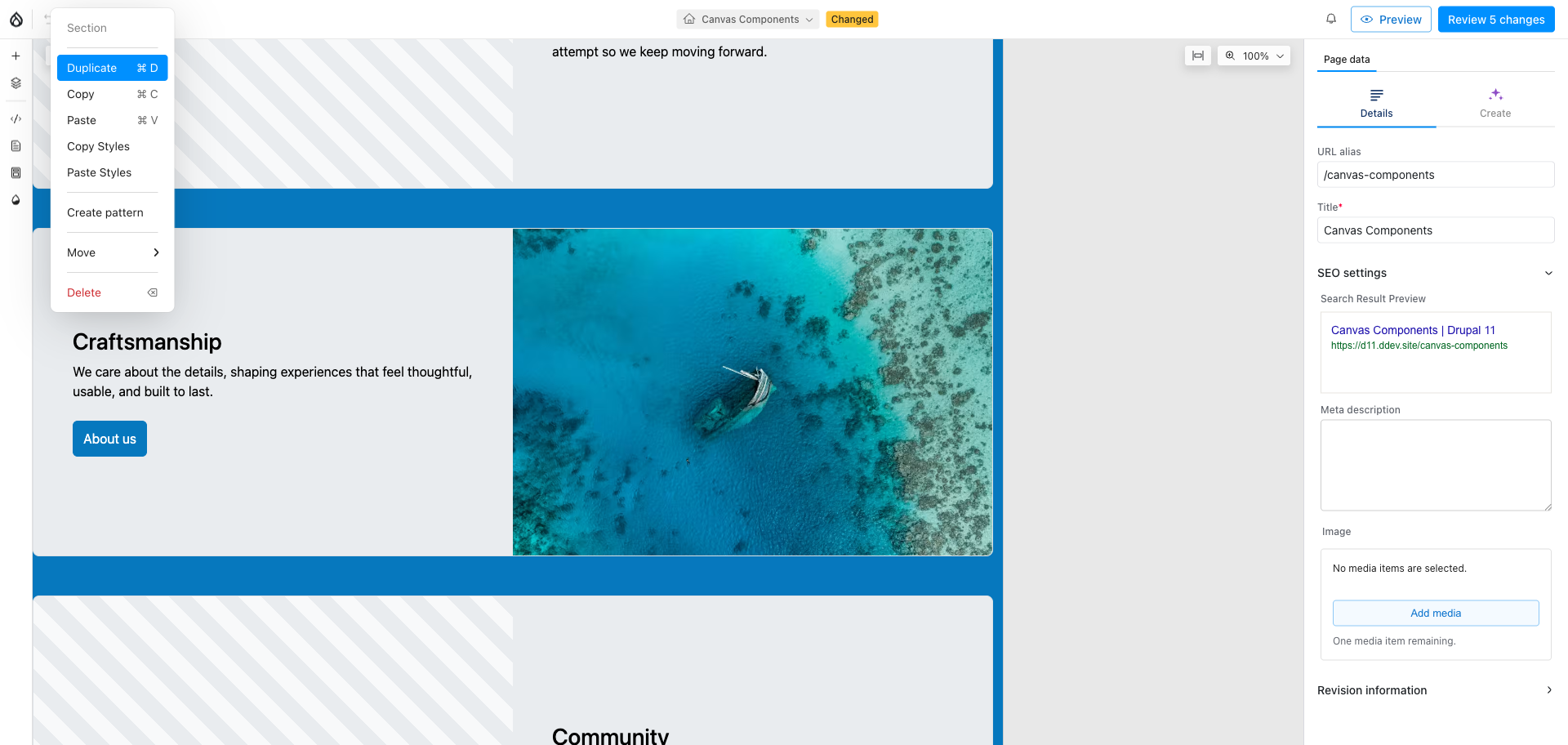
Right-click the styled card, open Styles, and choose Copy Styles.
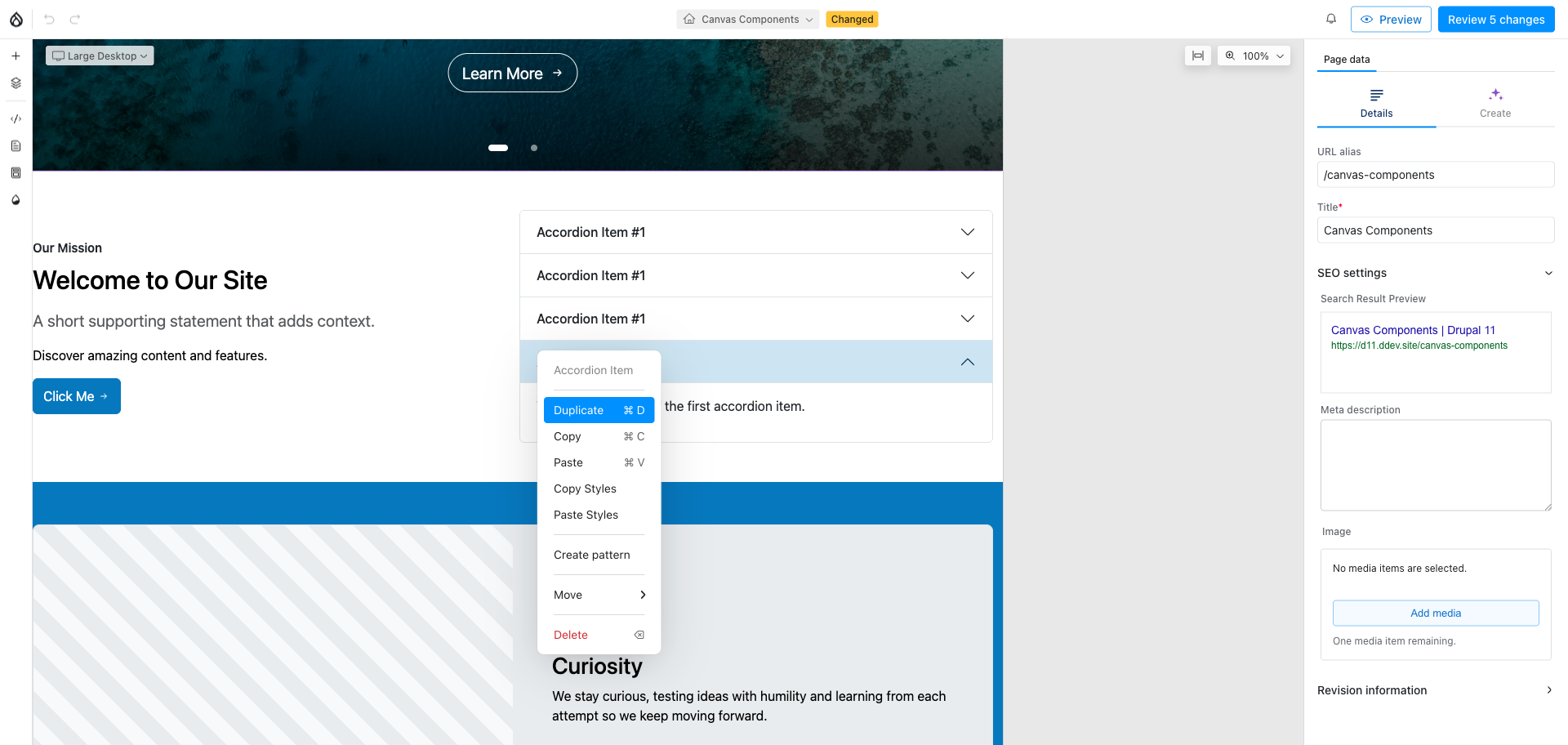
Right-click the target — any component, any layout — and choose Paste Styles.