Per-device behaviour
Every animation plays on every device by default. Adjust per device records the exceptions.
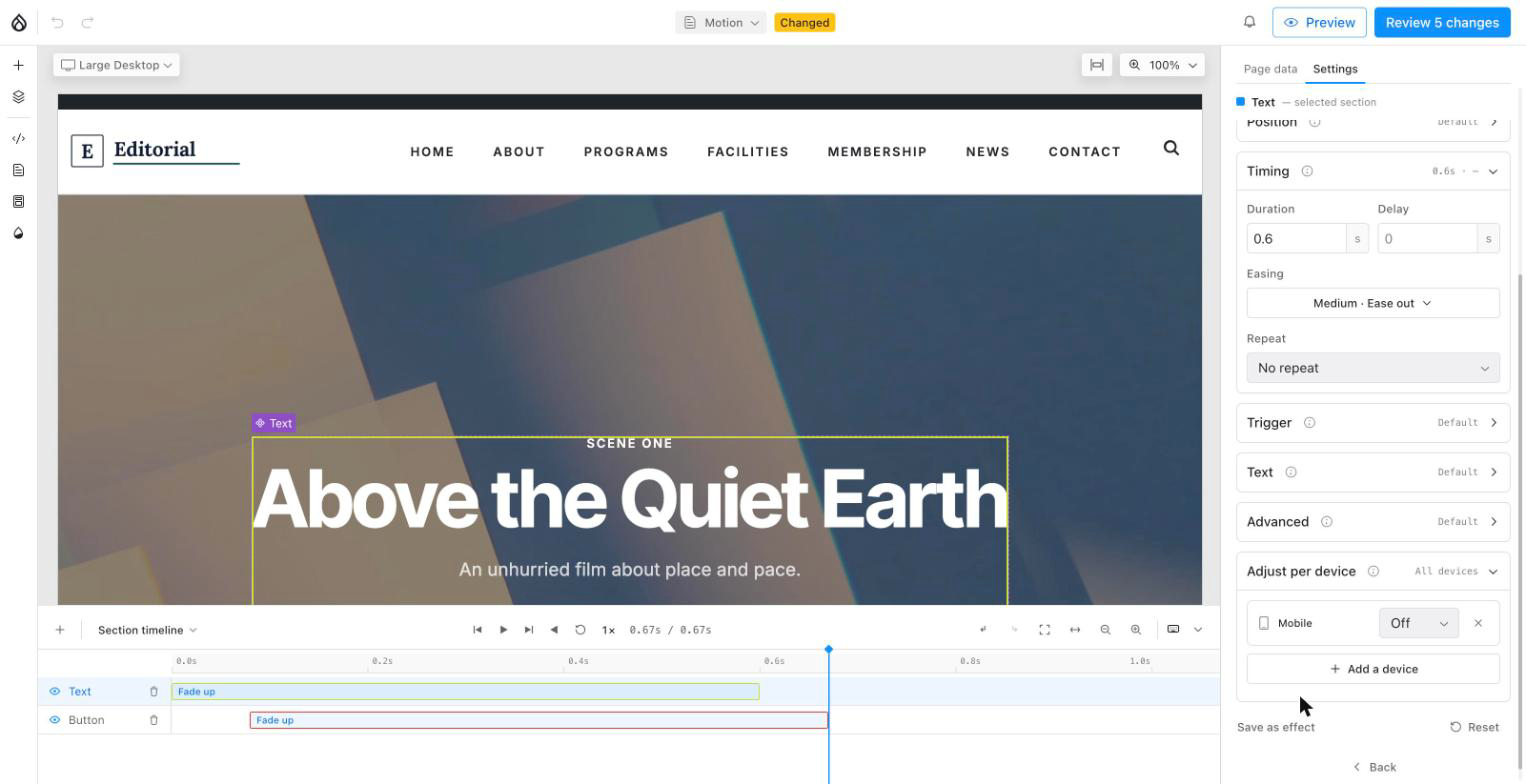
Two ways in:
- Right-click a clip → Adjust per device › and untick a device. Three clicks, no panel navigation.
- Customize → Adjust per device for the full list, including giving a device its own settings.
Add a device and it starts as Off. Switch it to Customized and the row expands with an Effect and Duration for that device only — seeded from what it would otherwise inherit. Effect and duration are the only values that can differ per device; direction, easing and scroll range stay shared.
A clip carries a small device glyph for each device it does not run on —
hover one for Off at Tablet — so which animations behave differently, and
where, reads straight off the timeline without opening anything.