The Review panel
The Style panel's Review tab (next to Style / Advanced / Create) opens with a read-only, at-a-glance summary of the selected Section, all reflecting the active viewport: a mini layout diagram, the column count cascade across every breakpoint (mobile → large desktop), gap, box model (padding/margin, read from the real rendered element), content width, and background. A brand-new, still-empty Section shows the "Choose a starting layout" prompt here instead.
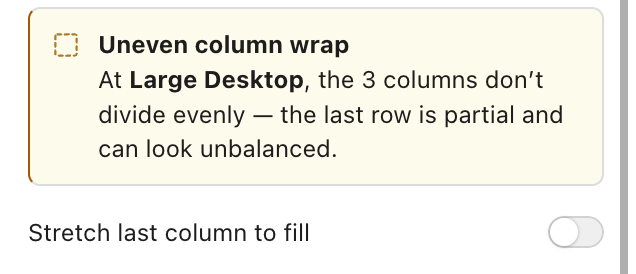
When a breakpoint's column count doesn't divide evenly (e.g. 3 columns at a
count whose wider sibling has more), the Review panel flags an Uneven
column wrap warning with a one-click Stretch last column to fill
action: it sets fill_last, which stretches the last column to fill the
remainder of its row at just the affected breakpoints, computed in pure CSS
per viewport.

Off: the third column wraps to its own row at partial width.

On: the last column stretches to fill the row.